
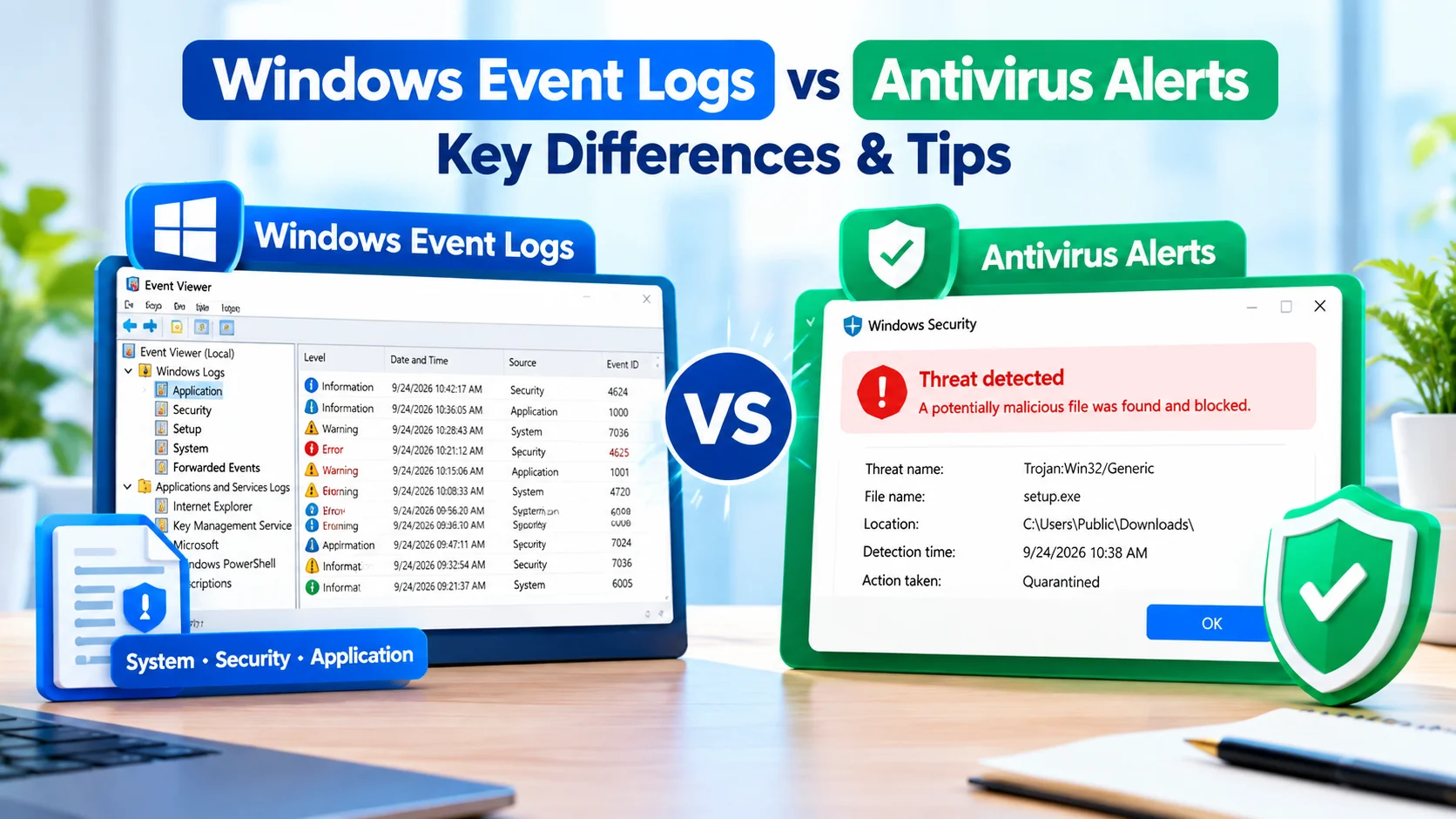
Windows Event Logs vs Antivirus Alerts: Key Differences Tips
Windows Event Logs vs Antivirus Alerts is an important distinction when troubleshooting security issues on a Windows PC. Both can…
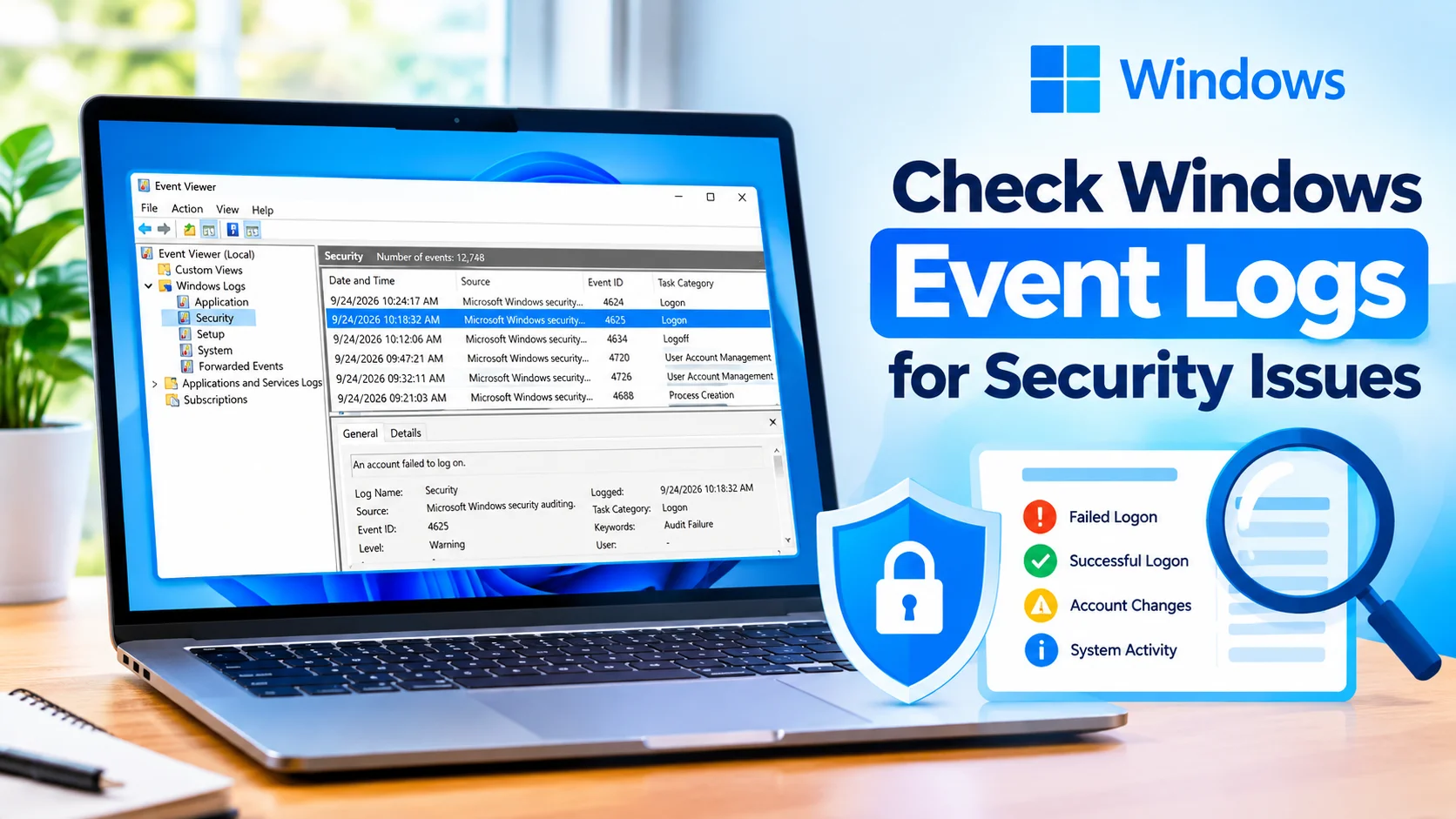
Check Windows Event Logs for Security Issues
Check Windows Event Logs for Security Issues to identify unusual login attempts, account changes, system activity, and other events that…
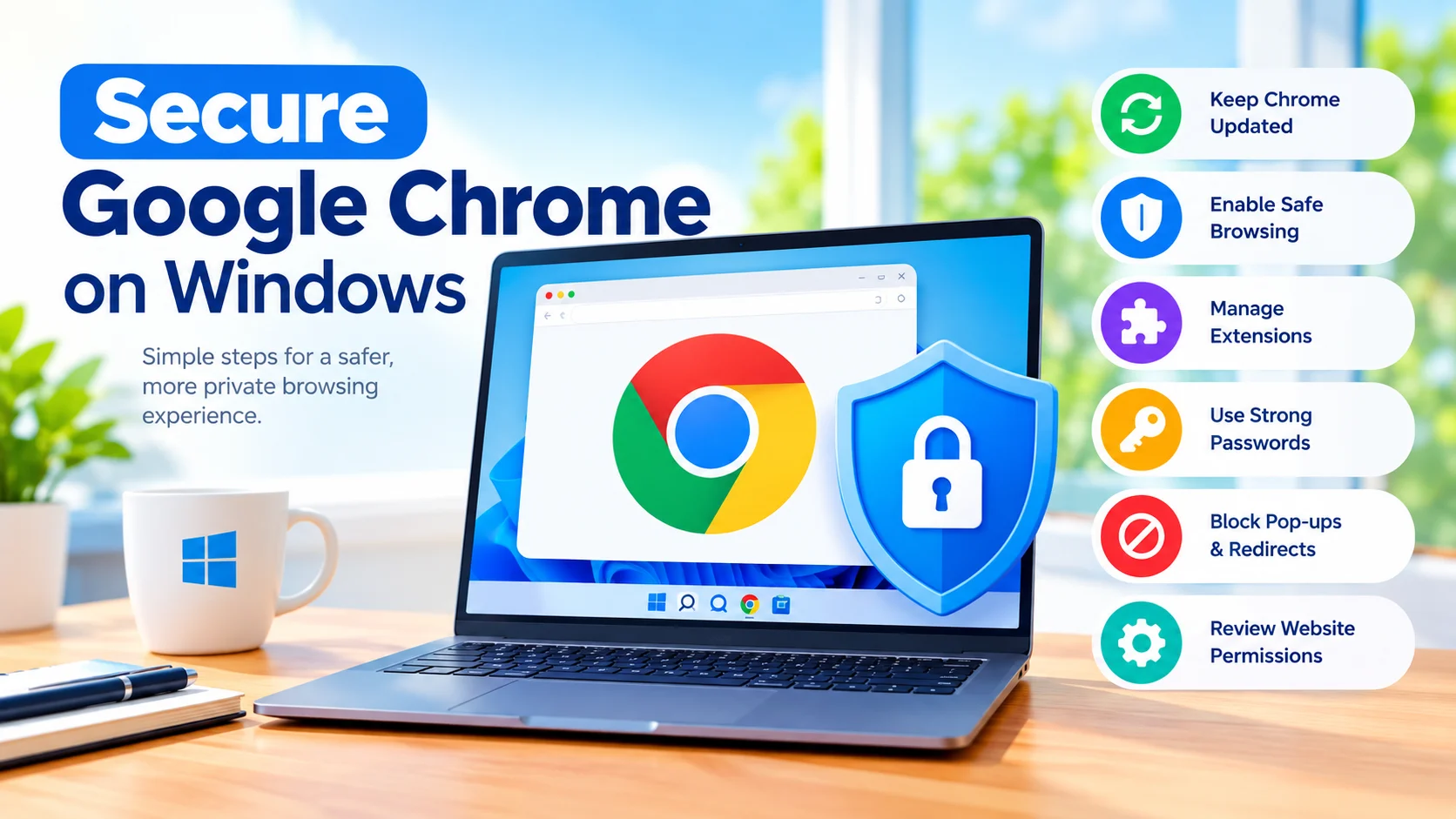
Secure Google Chrome on Windows: Essential Security Tips
Secure Google Chrome on Windows to protect your browsing activity, personal information, passwords, and online accounts from common security threats.…
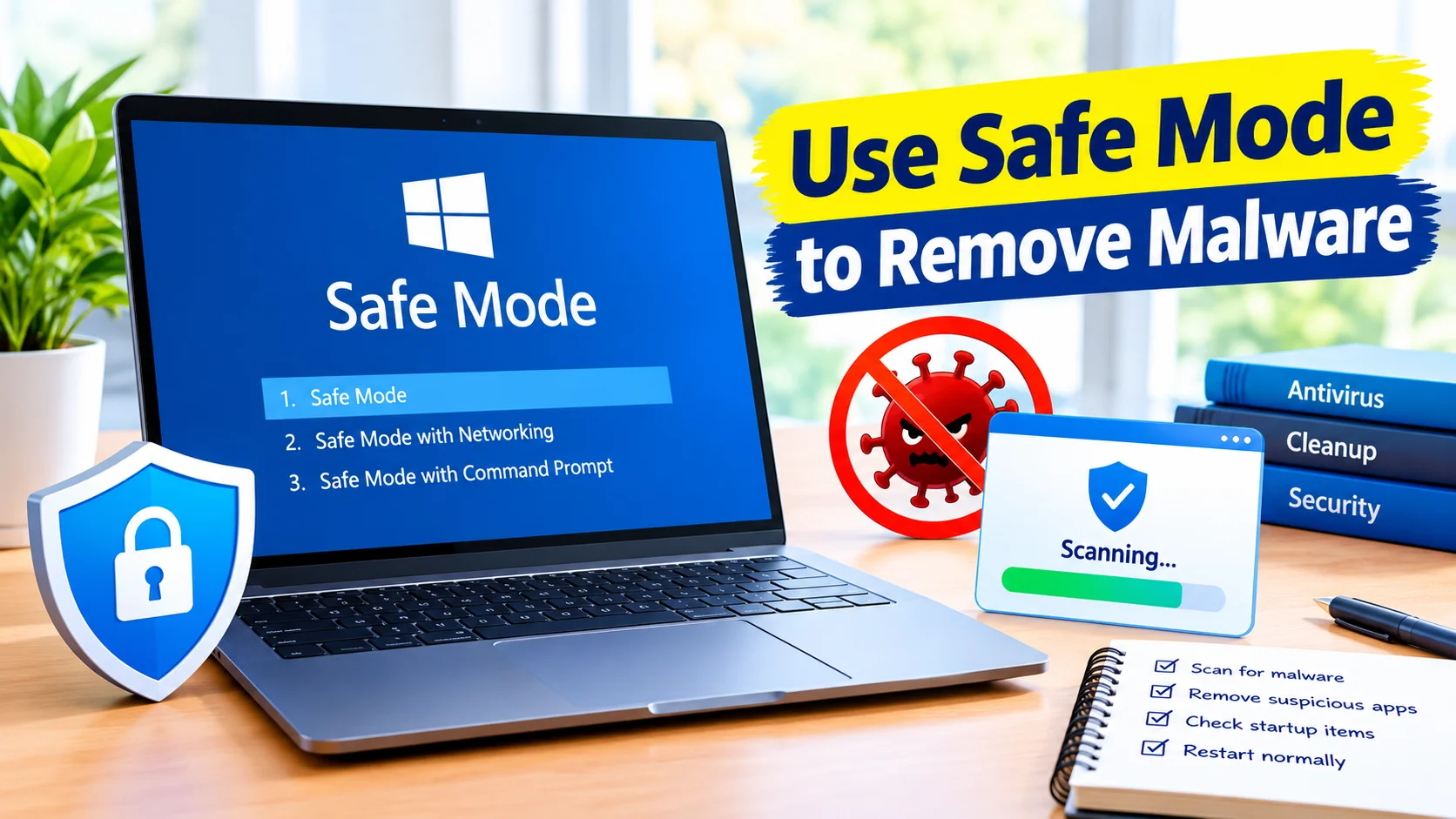
Use Safe Mode to Remove Malware From Windows Safely
Use Safe Mode to remove malware when malicious software prevents normal antivirus scans, causes constant pop-ups, slows Windows down, or…
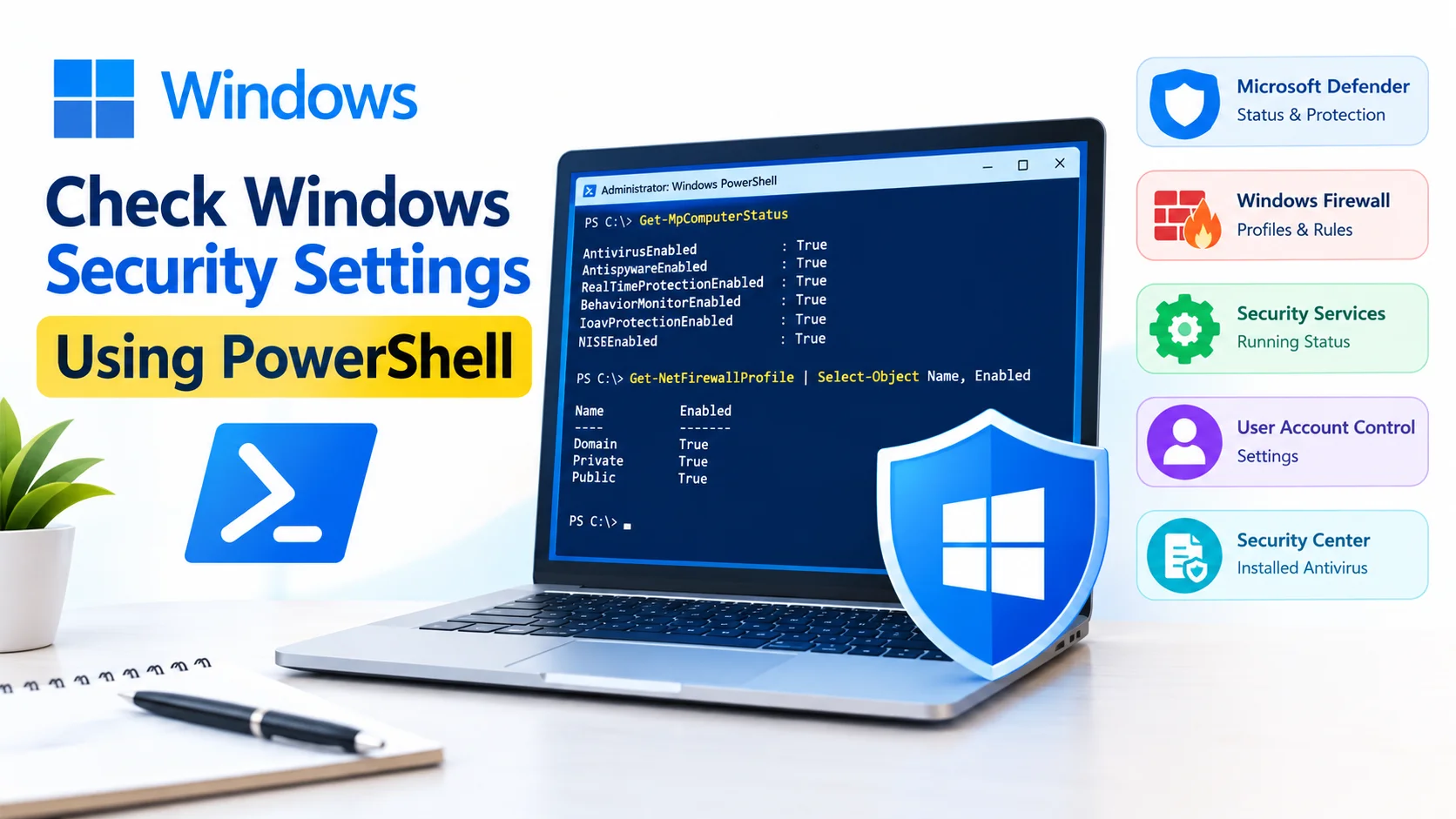
Check Windows Security Settings Using PowerShell
Check Windows Security Settings Using PowerShell to quickly review important security features such as Microsoft Defender, Windows Firewall, real-time protection,…
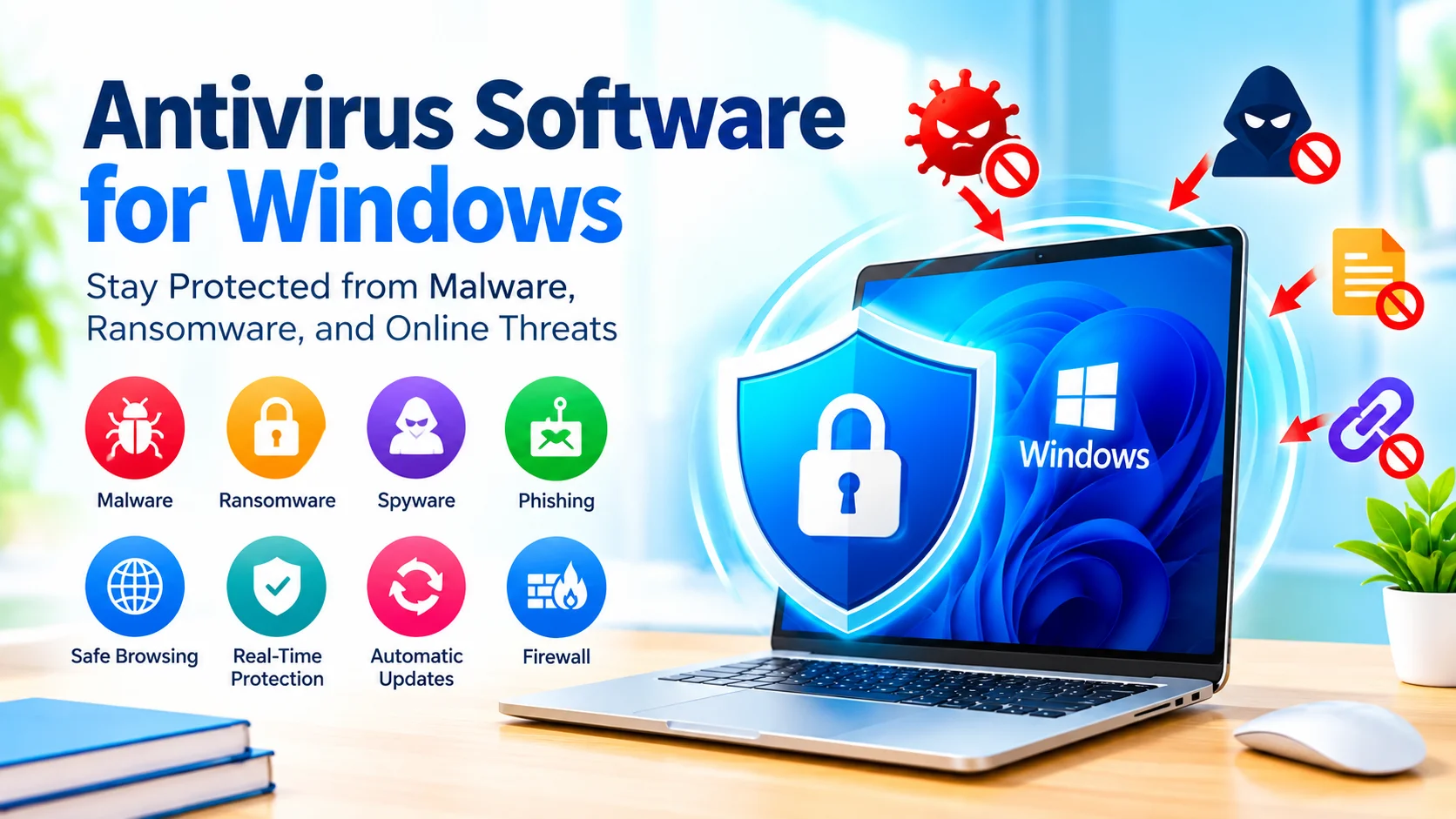
Antivirus Software for Windows: Complete Security Guide
Antivirus software for Windows helps protect your computer from malware, ransomware, spyware, viruses, and other security threats. Although modern versions…
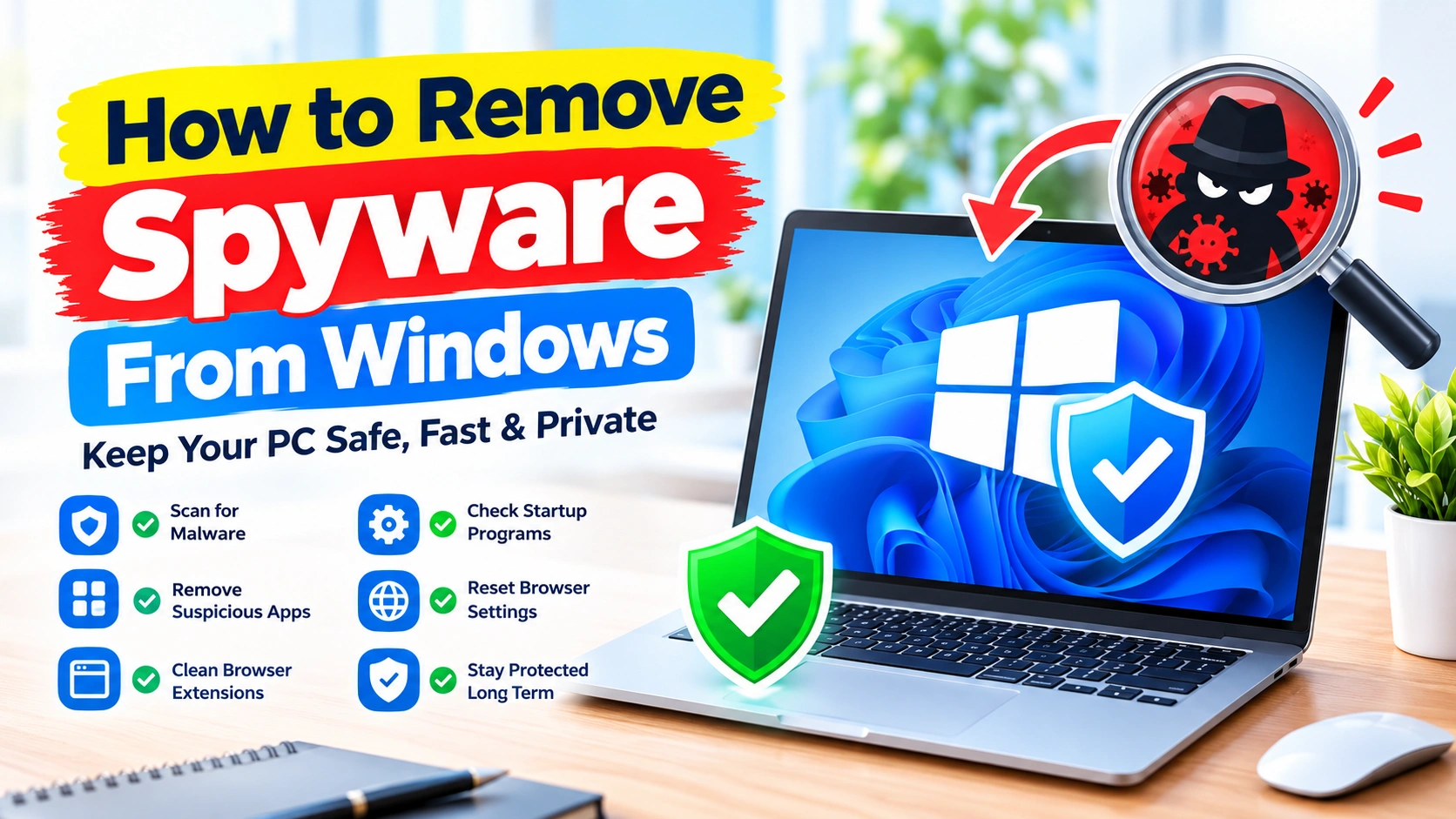
How to Remove Spyware From Windows: Complete Removal Guide
Spyware can quietly monitor your computer activity, collect personal information, track browsing behavior, or interfere with normal Windows operation. Unlike…
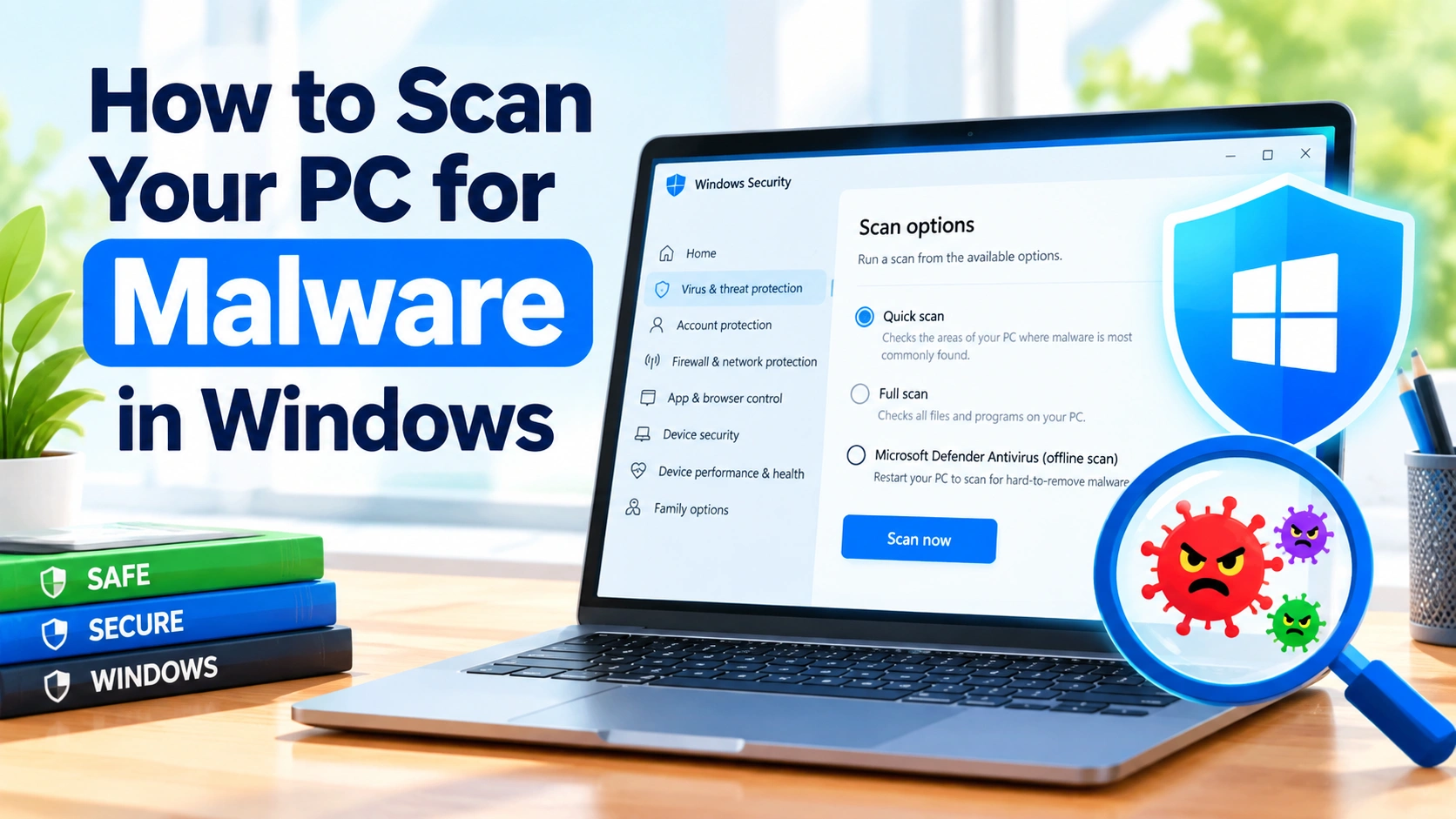
How to Scan Your PC for Malware in Windows
Malware can hide in downloaded files, browser extensions, email attachments, pirated software, and even seemingly harmless applications. If your Windows…
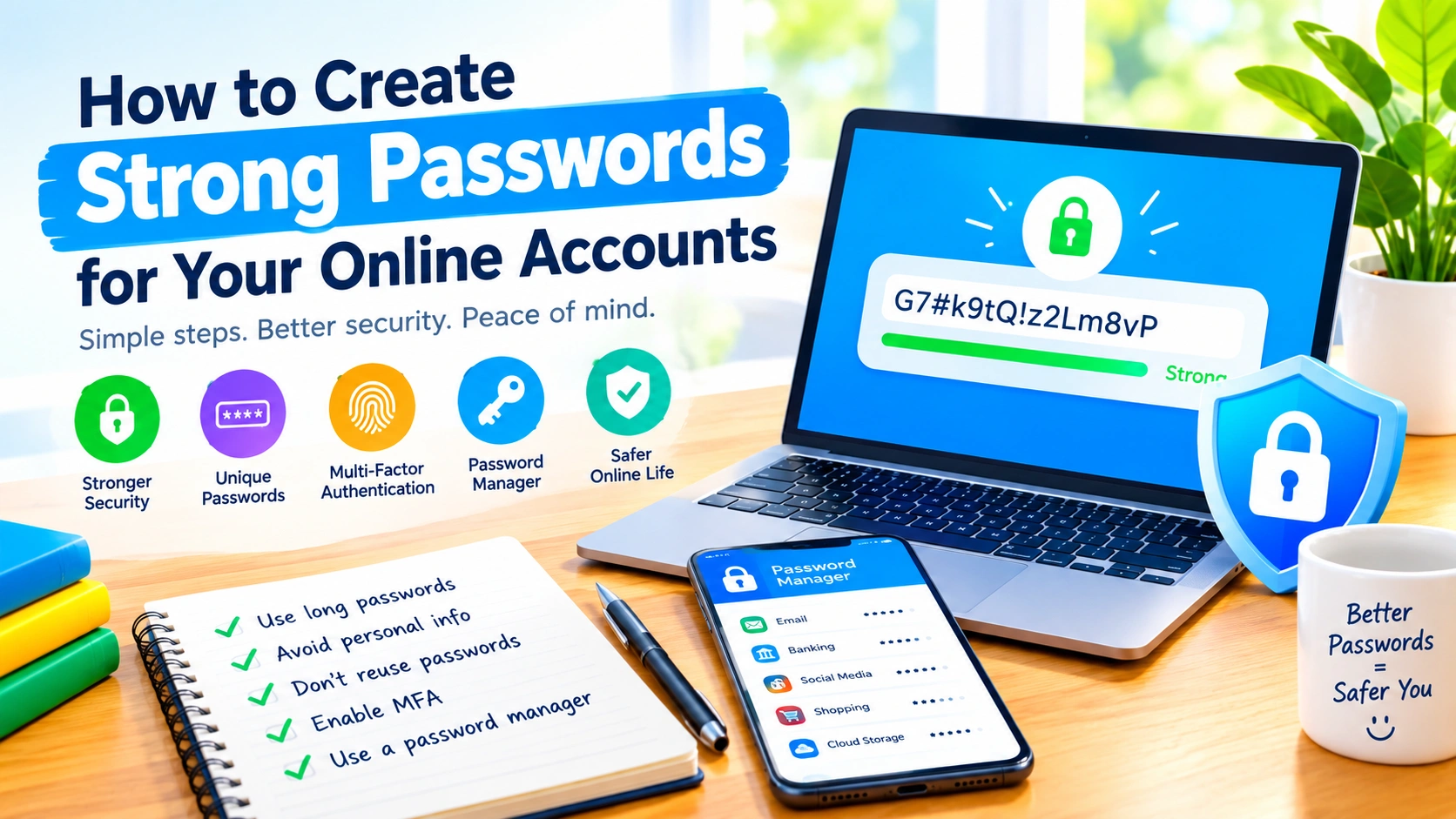
Create strong passwords for Your Online Accounts
In today’s connected world, passwords are still one of the most important defenses protecting your online accounts. Email, social media,…
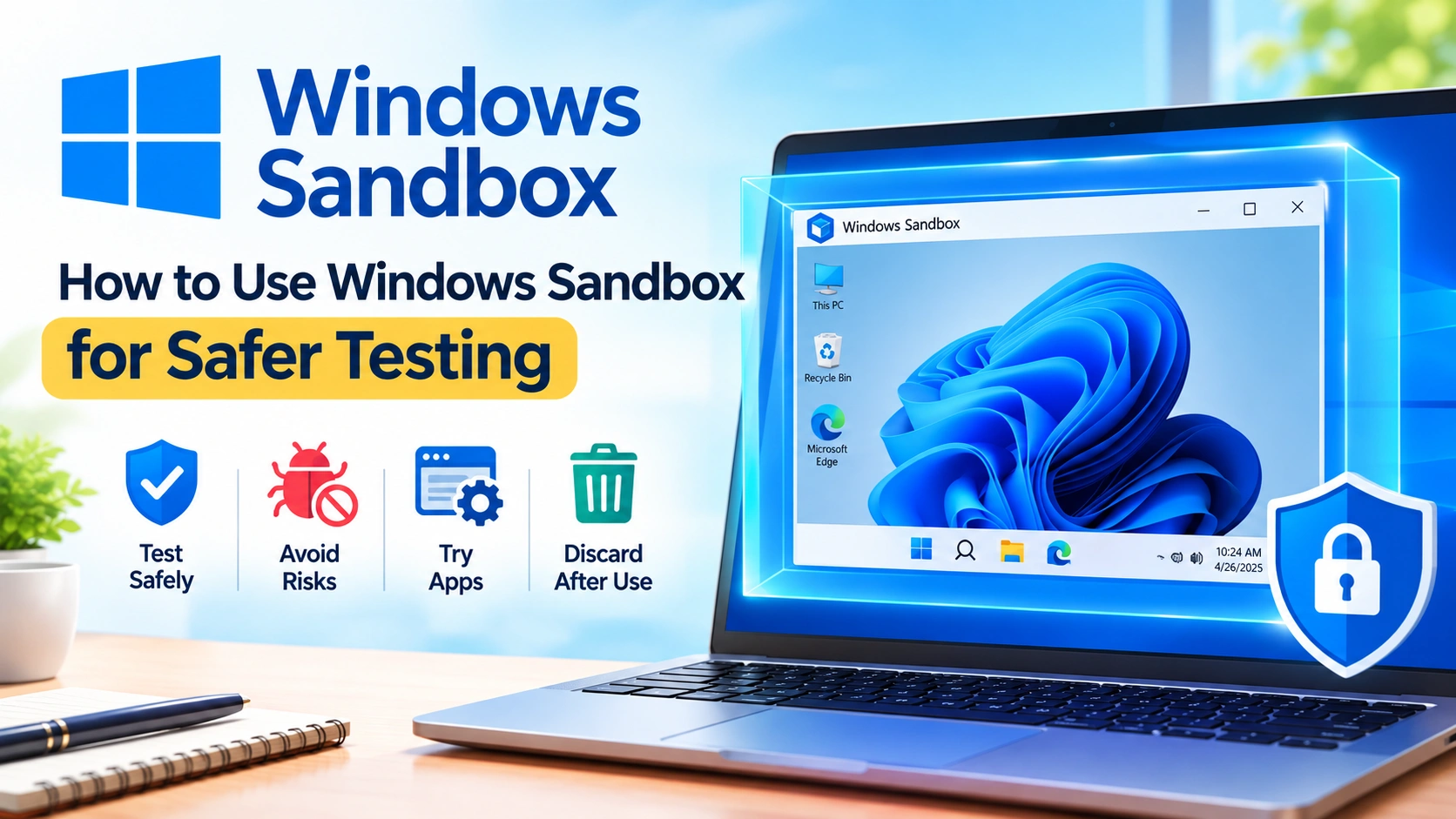
How to Use Windows Sandbox for Safer Testing
Testing unfamiliar software, opening suspicious files, or experimenting with Windows settings can expose your main computer to unnecessary risks. Fortunately,…